
Audience engagement
An audience engagement platform for meetings, classes and events
Engagement is more than a poll at the end. LetMeAdd gives every person in the room a way to answer, ask and react throughout your session — and gives you the results afterwards to see what worked.
Everyone gets a voice
People join from their own device with a code or QR code and answer every question, not just the confident few who raise a hand. Anonymous participation is one switch away.
Questions without interruptions
The message wall collects questions and comments as you go. The audience likes the ones they care about, so the most popular rise to the top; you can pin, hide and moderate them.
Know when people are lost
Turn on the confusion indicator and participants can tap “I’m confused” at any point. You see it in the presenter view and can slow down before anyone gets left behind.
From small rooms to large events
Plans grow from 50 participants per session on Free to 1,000 on Business. Each session keeps its own results, so a recurring event never mixes audiences.
See what works over time
- Reports for every session, exportable as CSV, PDF, PowerPoint or Excel (by plan).
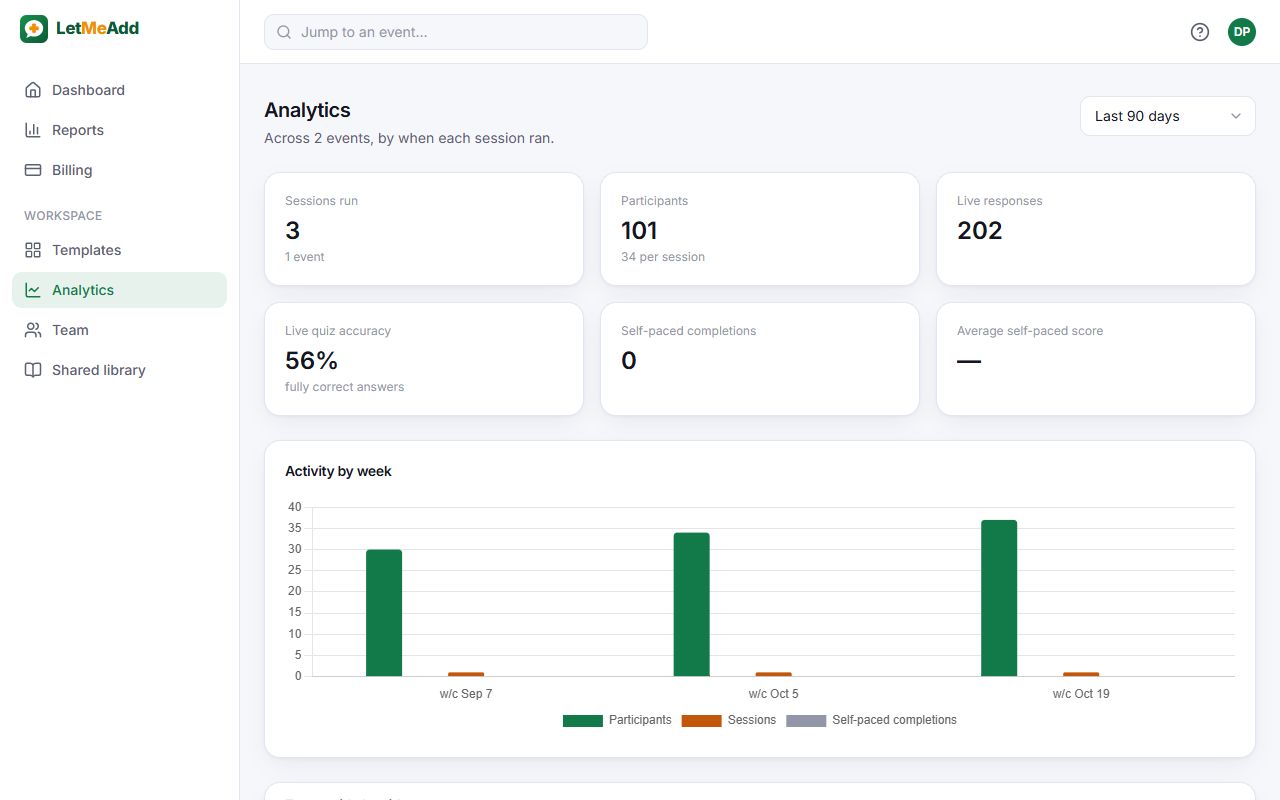
- Business analytics: sessions compared, answer rates question by question, and the questions people find hardest.
- Business teams: invite up to 5 colleagues as editors or viewers and work on events together.
How it works
Create an event
Add questions one by one, start from a ready-made template, or let AI draft them on Pro and Business.
Share the code
Start a session and show the 6-character code or QR code. People join from any phone, tablet or laptop — no app, no account.
Watch answers arrive
Results update on your screen as people respond. Afterwards, every session’s results are saved in Reports.
Questions
Can we use our own branding?
Yes, on Pro and Business: add your logo and brand colour, and participants see them on their screens and in your PDF and PowerPoint reports.
Can several people run events together?
Yes. Business includes a team: editors can edit and present the team’s events, viewers can see the reports.
Try it with your next audience
The Free plan needs no card and doesn’t expire. Create an event in minutes and share the code.
Get started for free